Download BoldCAD
Windows x64 is the build that exists today. The rest are listed so you can see they are not forgotten — they are simply not built yet.
Free during the alpha. No payment, no card. Create your account inside the app on first run — there is no sign-up form on this site — and a six-month licence comes with it. Once installed, BoldCAD checks this site for a newer build shortly after it starts.
What it looks like
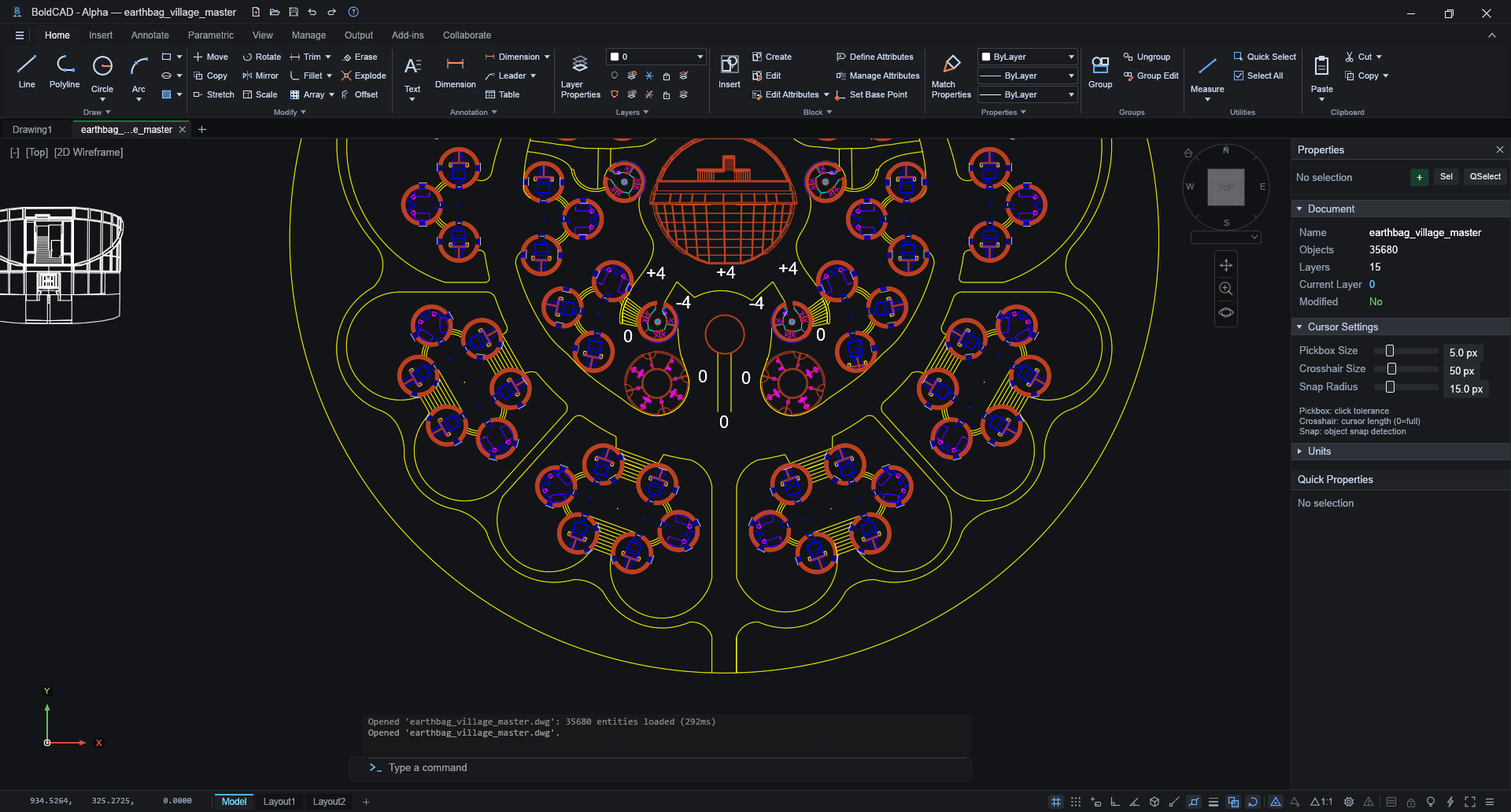

Drawings shown: Earthbag Village by One Community Global, used under CC BY 3.0.
Ribbon or classic — your choice
BoldCAD ships with a modern tabbed ribbon, and it can also run with the
classic menu bar and toolbar. The interface style is a user choice:
switch any time in Options → Interface, or with the
RIBBON / RIBBONCLOSE commands.


Same window, same theme — only the interface style differs.
What is inside
DWG & DXF that round-trip
Reads and writes DWG/DXF from R12 through 2018 with its own native engines — no converters in the middle. Output is continuously verified against AutoCAD® itself.
Real 3D solids
Boxes, sweeps, booleans and friends are true 3DSOLIDs other CAD applications open as solids — not meshes pretending to be them.
Speed as a feature
A GPU-accelerated viewport that stays smooth on drawings with hundreds of thousands of entities — pan, zoom, select, edit.
A workflow you know
Command line with the classic commands and aliases, dimension and table styles, layouts, blocks, AutoLISP scripting. Muscle memory included.